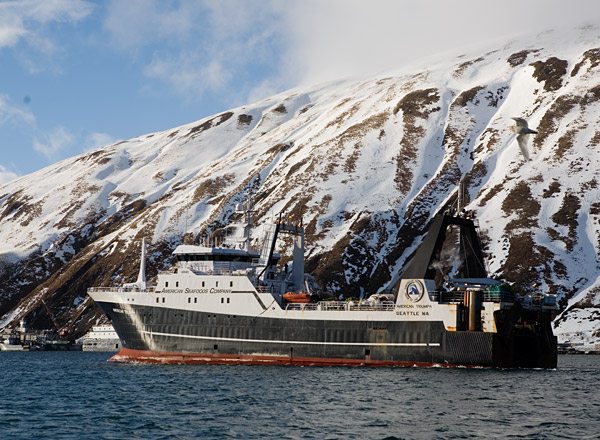
Quicktime movies from iPhoto

Here is a useful iPhoto trick that Mac users may not already know: if you select a batch of photos, then select “Share > Export” you can create a QuickTime movie. You can have each image show for whatever length of time you like, set the size of the movie generated (in pixels) and add music. You can do this by simply selecting a collection of images in the library, by selecting an album, or by selecting a slide show. If you want to add music, you need to do the last of those.

Exported Quicktime movies seem like a pretty good option for sending photos of a trip or party to people who request them. The file sizes are very manageable, the image quality is decent, and it is easier than mucking around with sending dozens of individual files.

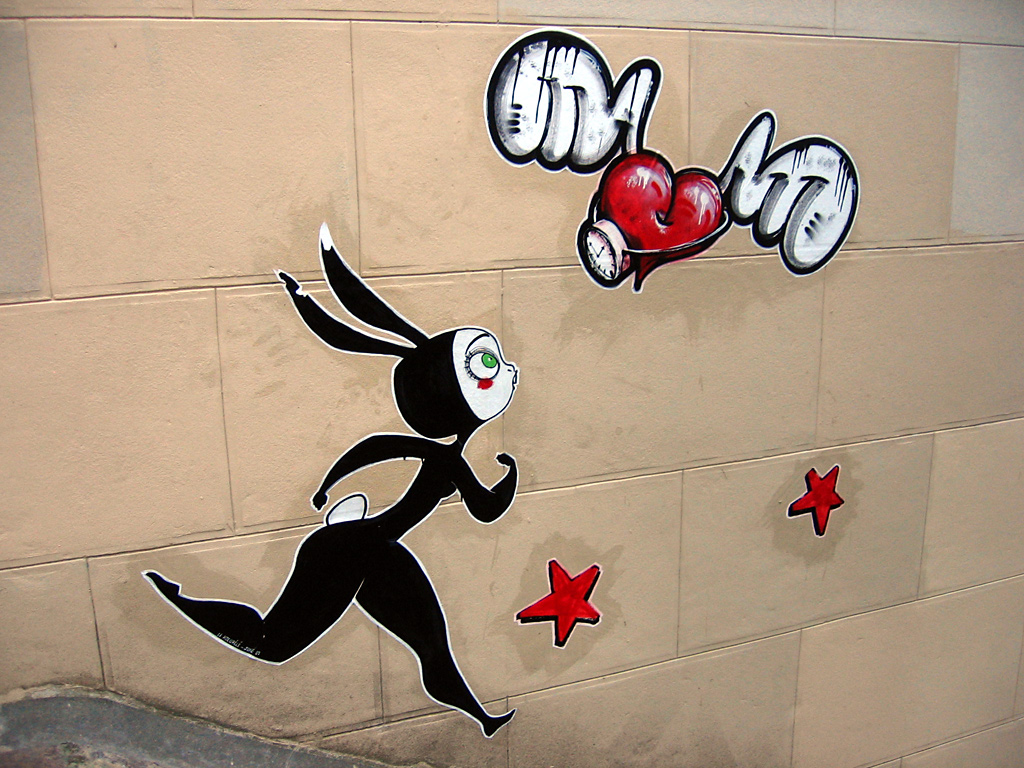
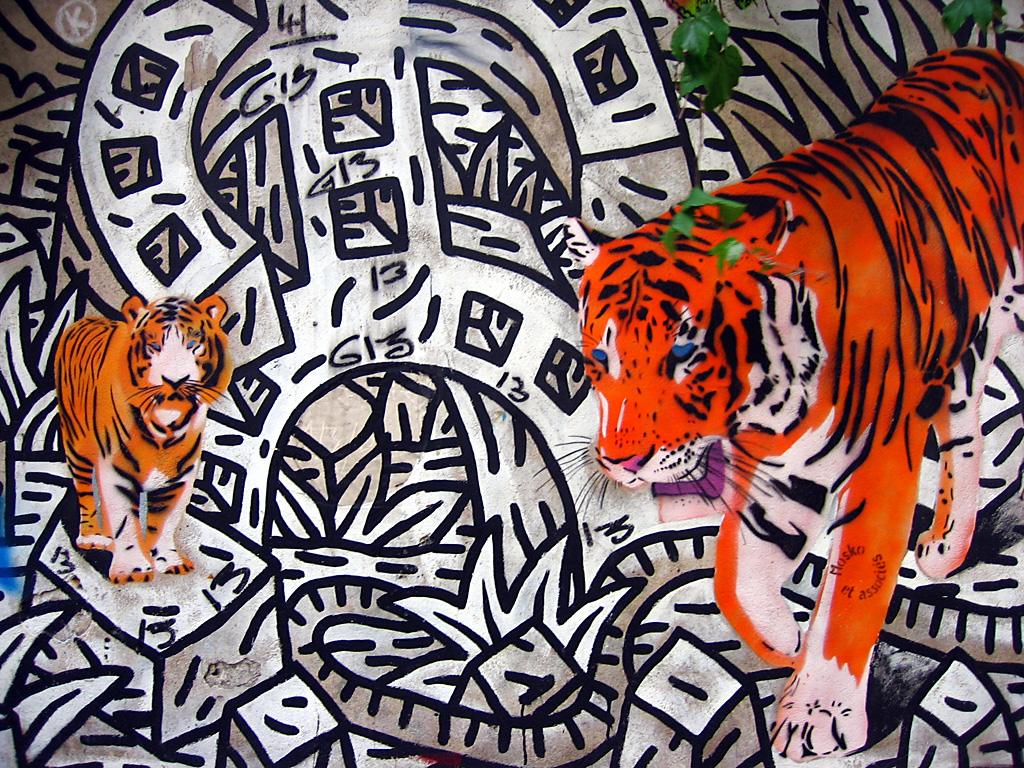
Here is a random example. It consists of some graffiti from Paris, Vancouver, Helsinki, Dublin, Tallinn, and Oxford. One annoying quirk is how adding music massively increases the file size. The same collection of images with an mp3 playing in the background produced a file of over 65 megabytes.

After iPhoto?

I have always found the slide show system in iPhoto a bit awkward, largely because of how you cannot drag images out from it into other applications, as you can with normal albums. That means if you want to edit one of those images in Photoshop, you need to track down the original in your library or an album.

If I ever do get a dSLR, I will probably need to switch to something more robust for storing image files. Even working with the jpeg files from my 3.2 megapixel camera, it gets cranky when too many are being worked with at once. That is with 1.25 gigabytes of RAM, drop shadows off, thumbnails at one of the three default sizes, and a minimum of other programs running. One can only imagine how it will treat 10 megapixel RAW files.

Another problem with iPhoto is that it doesn’t offer many options for having different versions of the same file. At the very minimum, I want to retain the original jpeg at maximum resolution and then have a 1024×768 pixel version that has had the contrast and levels adjusted an appropriate unsharp mask applied. Being able to store additional versions would be an advantage, especially if they are intelligently linked to the original. I don’t want it to be confusing which is which: a situation largely unavoidable in iPhoto, unless you want to look at the image properties for every file you glance at.
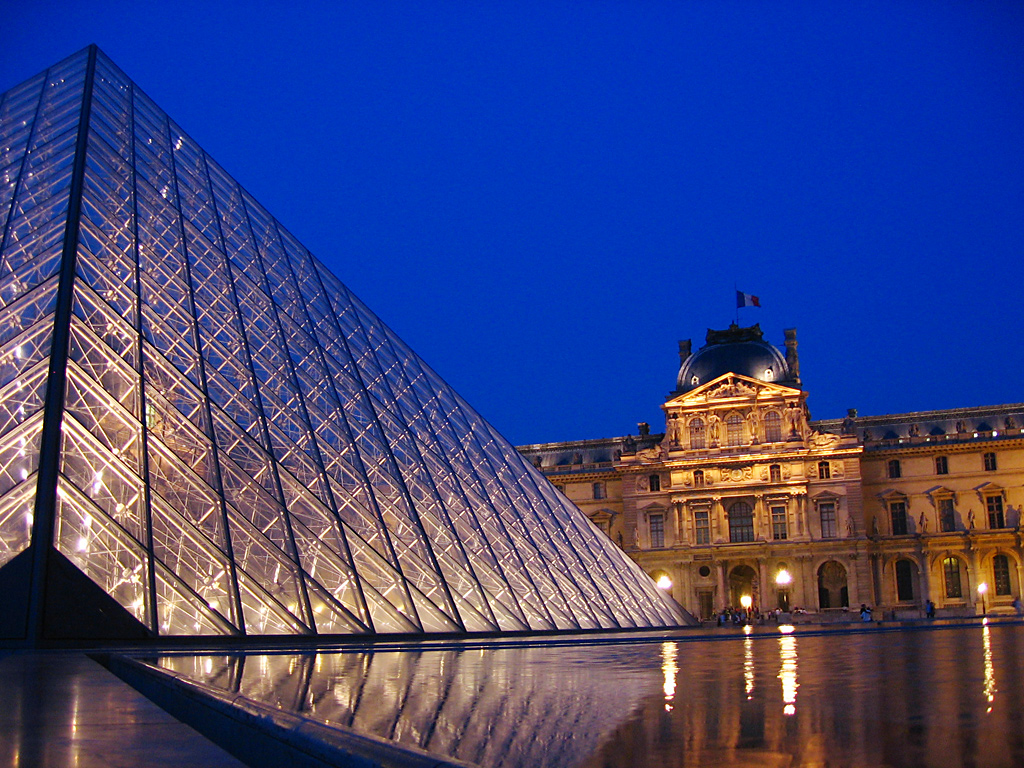
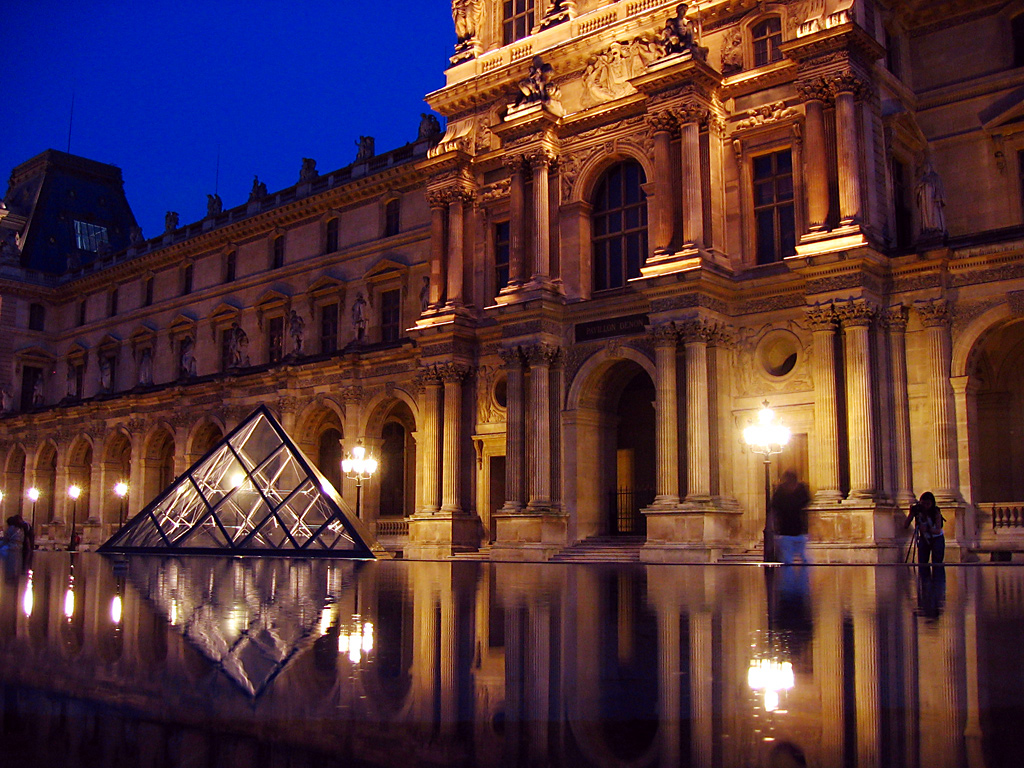
Alaskan fishing photos

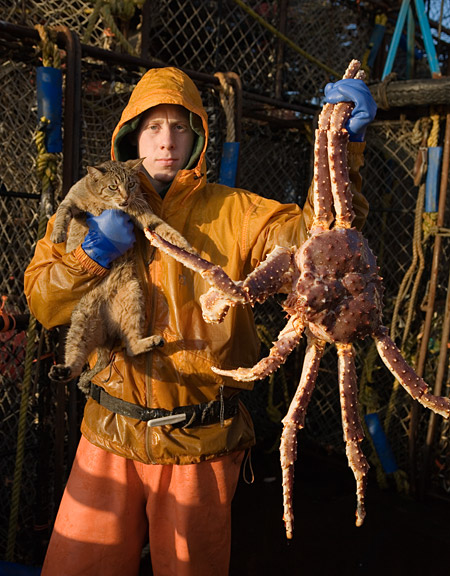
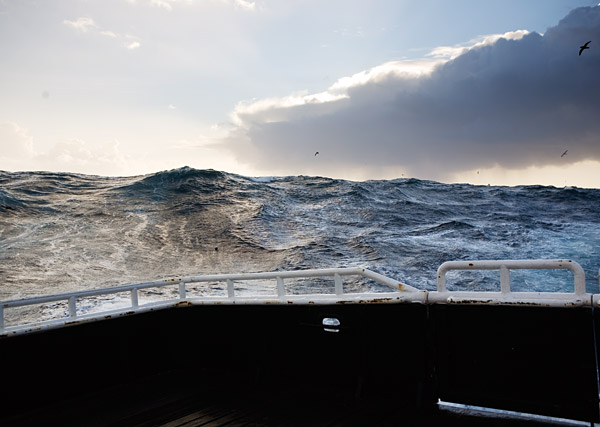
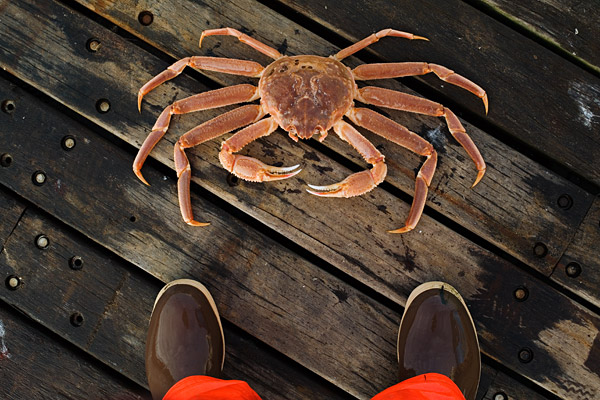
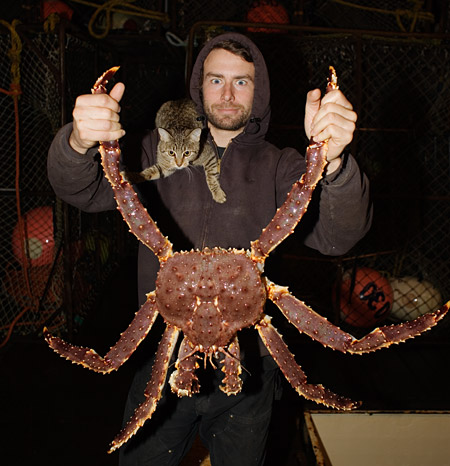
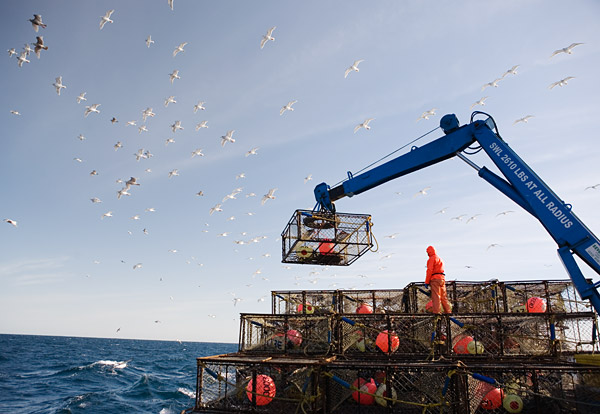
Here is an interesting series of photos about fishing in Alaska. There are huge waves, giant crabs, and a feisty cat. Having read so much about fisheries in the last few years, it is nice to have some visuals to accompany my thinking. Here are my favourites:

PS. Be advised that a few of the advertisements on the original page may not be work appropriate.

Excellent nature photography

Wandering through the forums on photo.net, I came across the work of Wojciech Grzanka. His macro photography of insects is especially cool. Magnified insects look so other-worldly it is no suprise they have inspired to much science fiction and fantasy, ranging from the brilliant to the amusingly mediocre.

One of the best things about the photo.net community is the sheer level of skill and helpfulness among the community members. At the same time, the quality of other people’s images is almost certain to make you feel like a rank amateur.

PS. Grzanka’s website is pretty slick as well, though the images seem to be the same as those on photo.net.

Oxford B&W photo competition

I have been thinking about submitting a few images to the Intra Muros competition, but I am finding it hard to locate arty black and white shots of the right sort within my collection (1, 2). The general pattern of the ones they have accepted is that they show recognizable Oxford architecture, individual people are often included but never highlighted, and they have an abstracted quality to them. Somewhat surprisingly, most of my favourite photos taken in Oxford are in colour. Normally, I am a big fan of black & white.

The deadline isn’t until June 9th, so perhaps I can keep my eyes open for the right sort of image from now on. The winners get photos printed in their calendar and the best single entry wins £50.

Paris photos II

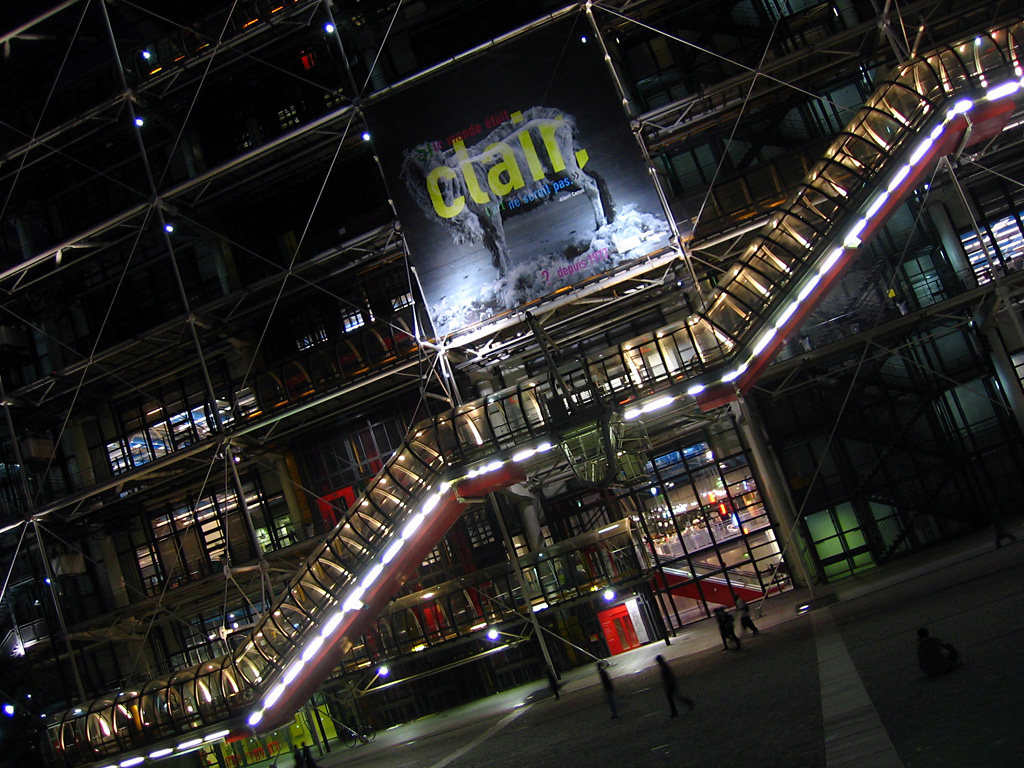
Centre Georges Pompidou

With its inside-out appearance, the Pompidou Center reminds me of the Lloyds of London building.

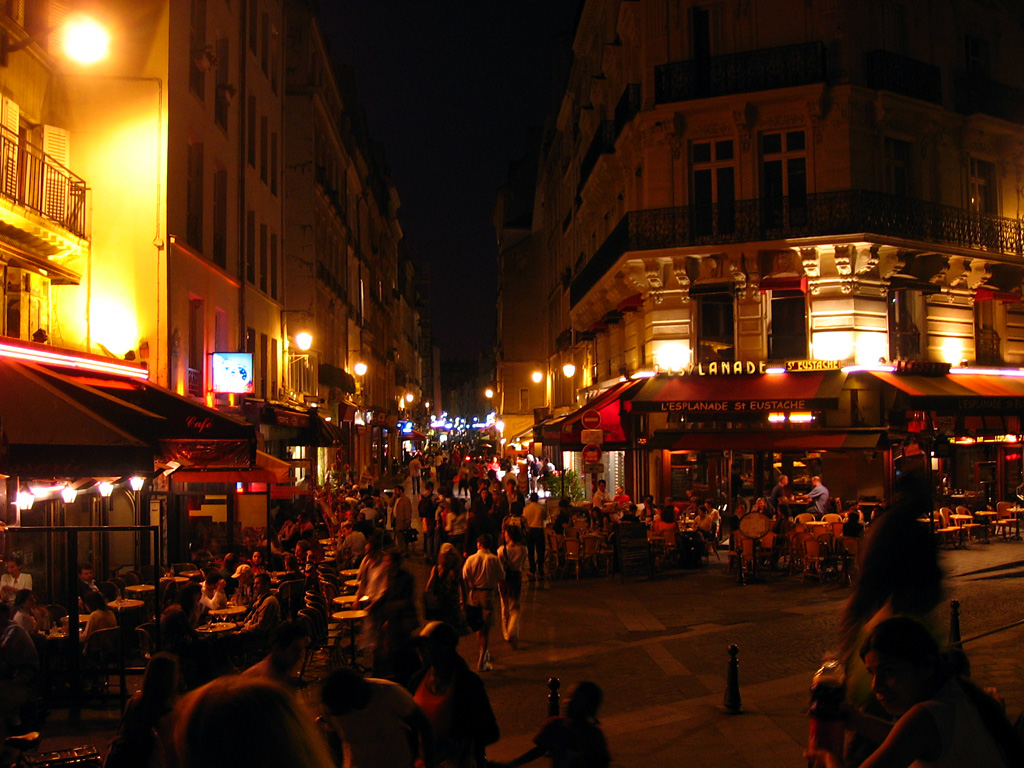
Paris street at night

One of the best things about Paris is how there always seem to be people out and about. This was taken at about 1:00am.

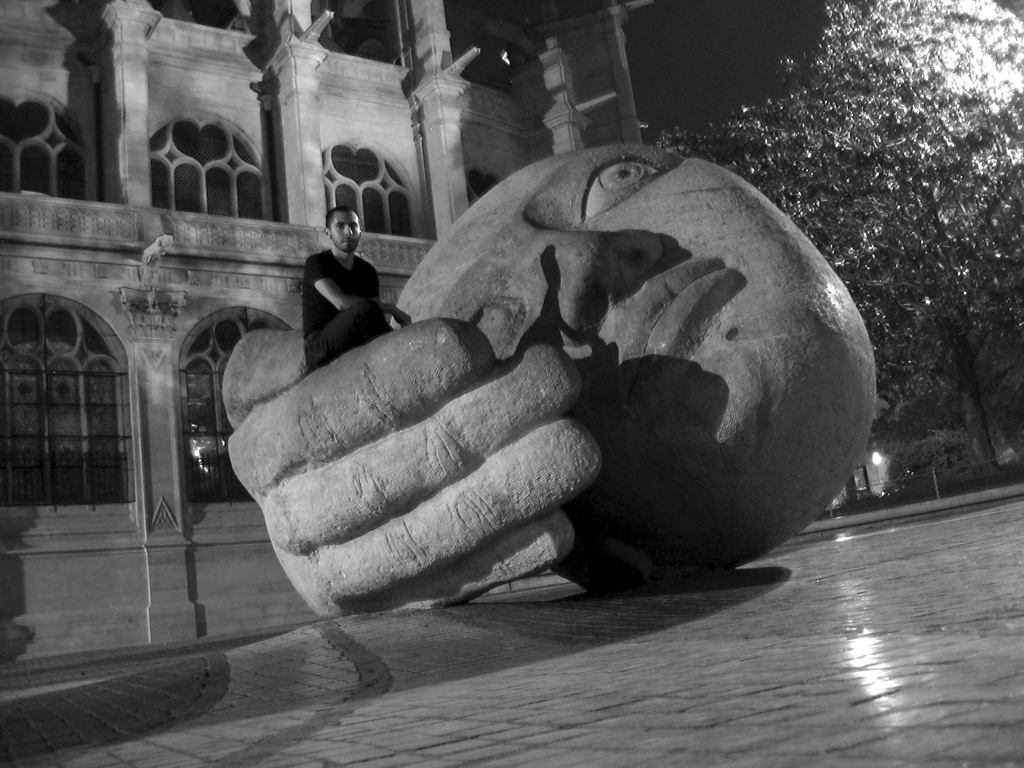
Mike Kushnir on a big head

Mike on a big stone head.

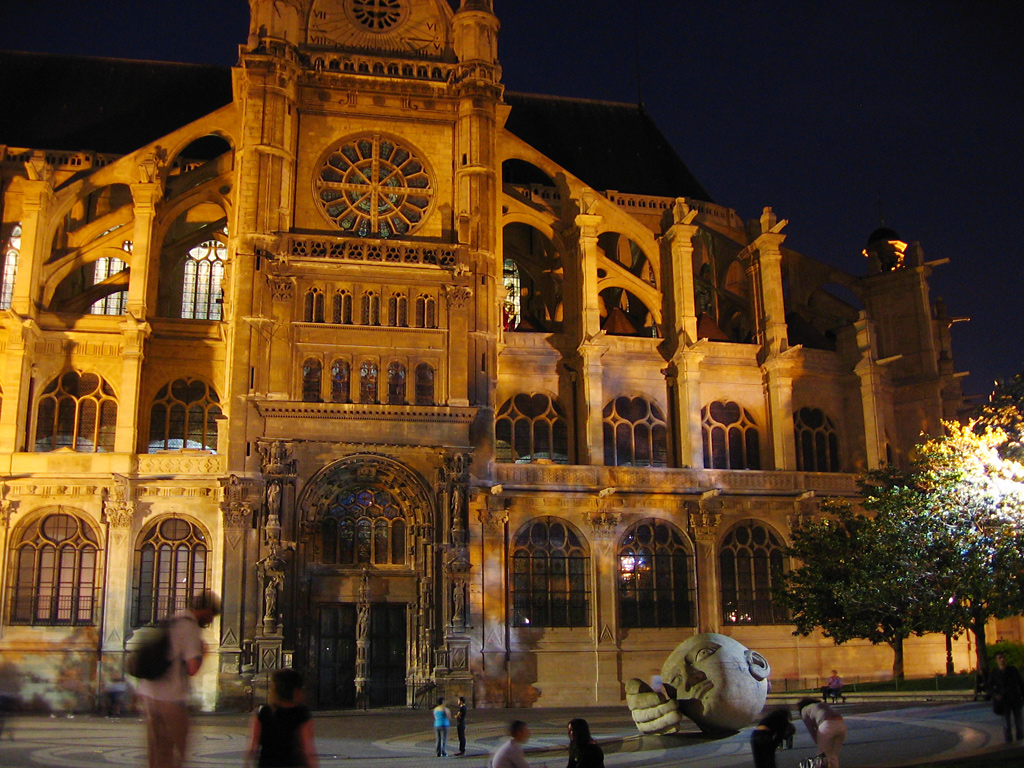
Stone head plaza

The plaza containing the head. I almost broke my leg taking this photo, as I had to do it standing inside a fountain. The metal grates at the bottom that seemed firmly fixed actually shifted aside quite easily, plunging you into the shaft under them.

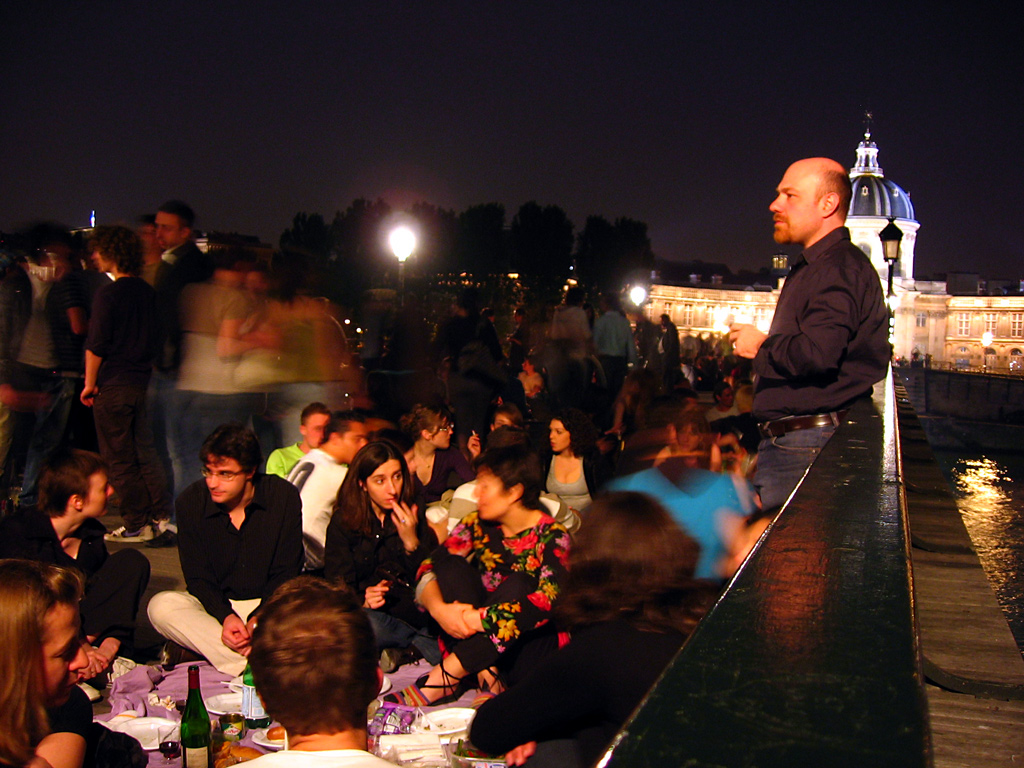
Pont des Arts

A man vaguely resembling Lenin stands on the Pont des Arts.

Paris photos I

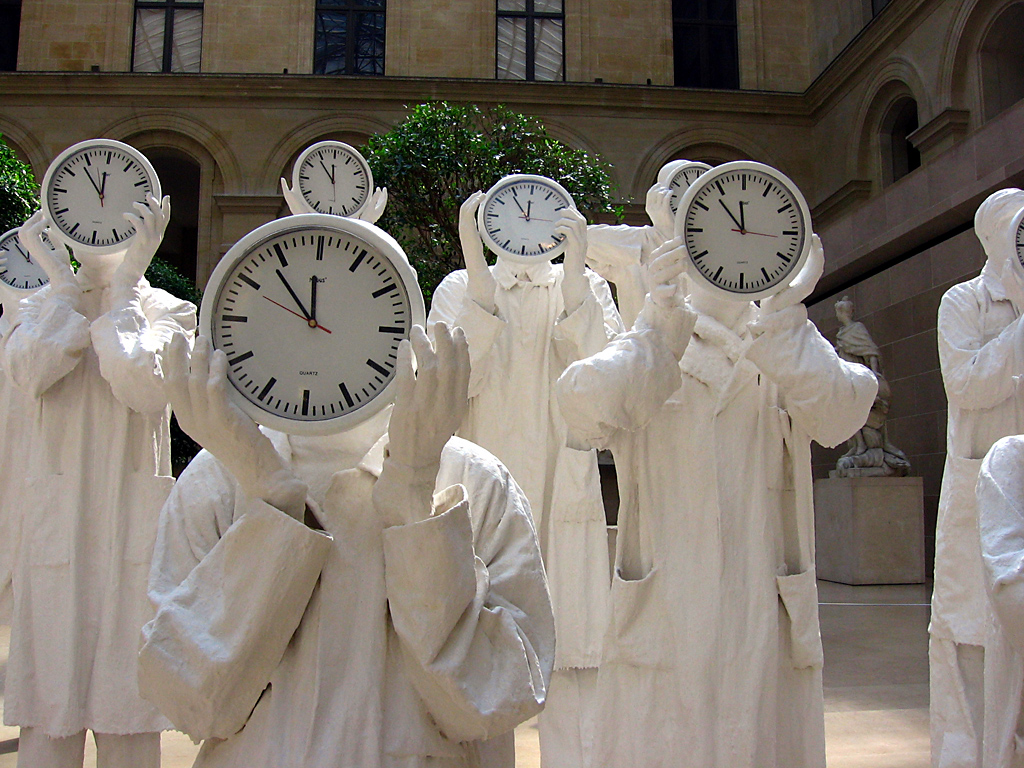
Contemporary art in the Louvre

One nice feature of the Louvre is how contemporary art is included in the middle of some of the galleries. Along with these statues, there was a huge polished silver mirror installation in one of the Egyptian galleries.

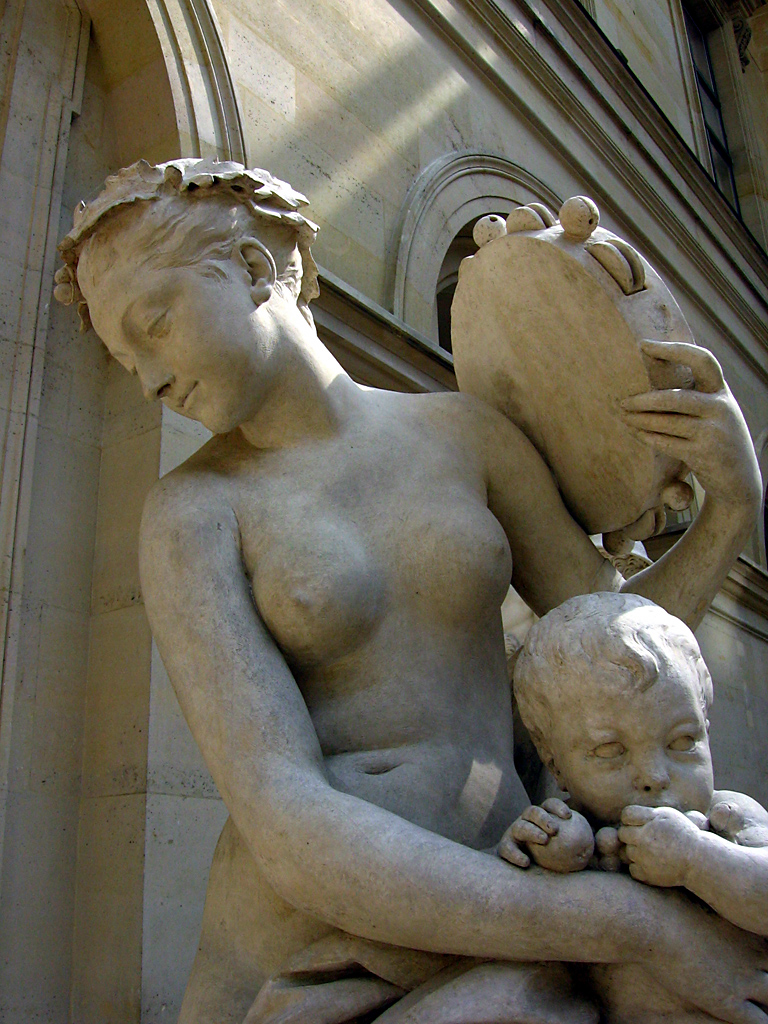
Marble sculpture in the Louvre

Brass and marble sculptures are my favourite form of visual art.

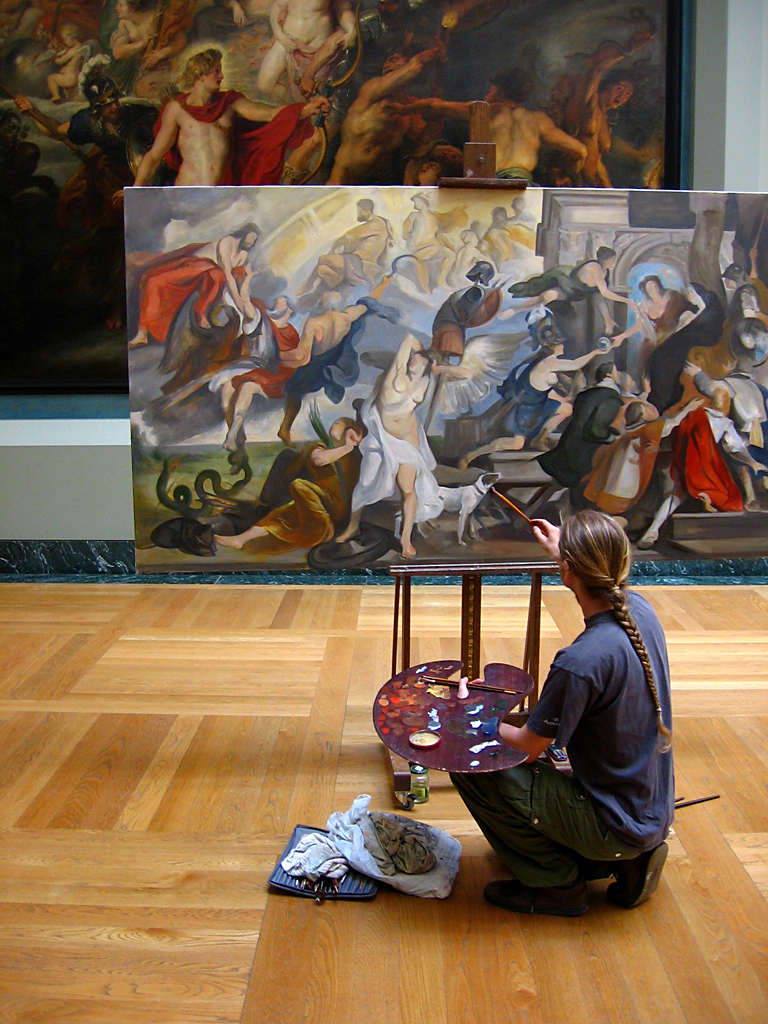
Painting in the Louvre

It is interesting to watch living artists working from the examples provided by dead and venerated ones.

Napoleon III apartments

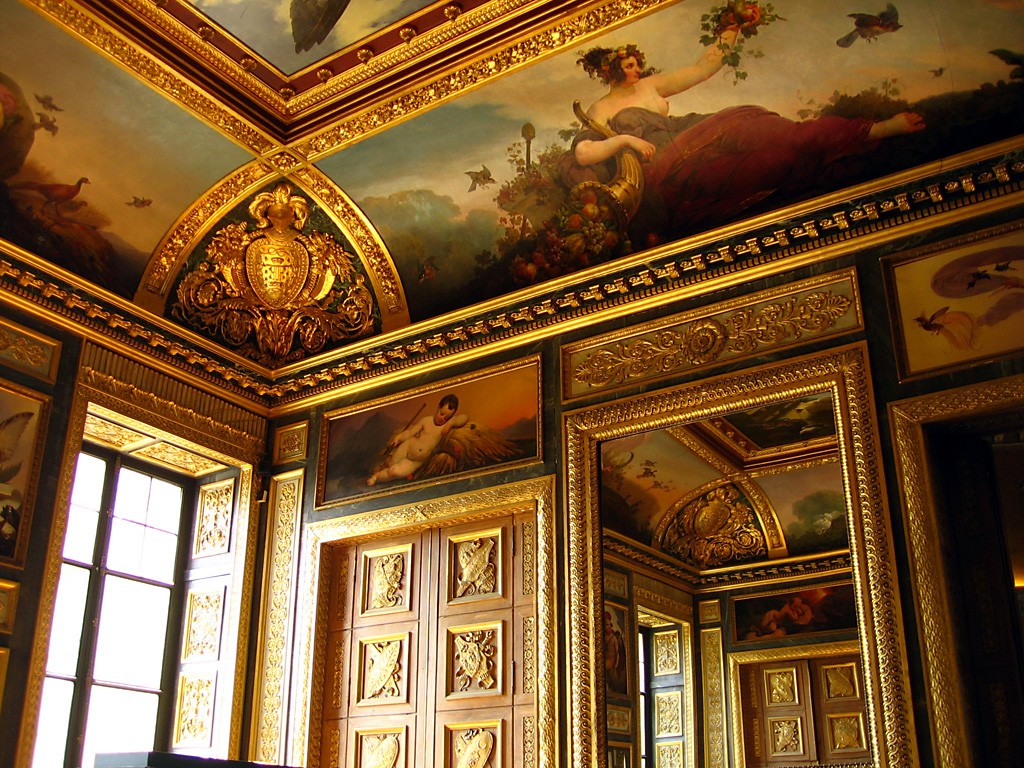
Along with art and historical artifacts, the Louvre includes the apartments of Napoleon III. This adds something like a palace tour to the whole experience.

Graffiti near the Louvre

Even the graffiti near the Louvre is none too bad.

Your flash can’t light a cathedral

The scene is Notre Dame Cathedral in Paris, during the middle of an evening service. You see a person standing to one side of the alter, in the transept, looking across at one of the massive rose windows. The digital camera comes up, the window is magnified as much as possible, and then there is a sudden flash that distracts every one of the hundreds of the people in the cathedral but doesn’t provide nearly enough light for a proper exposure. On the camera’s screen, a very underexposed version of the window appears.

Normally, this is the end of things. Some people go on from here to deactivate their flash and take a second photo. This one is both hopelessly grainy (because the camera has automatically chosen the highest possible ISO setting) and completely blurred (because hand-holding a 1/2 second shot of a distant magnified object inside a darkened cathedral doesn’t work).

Obviously, I am someone who appreciates the practice of photography. As such, it pains me triply to see people taking photos in a distracting way, poorly, and in a space where such touristic incursions aren’t polite or appropriate.

Moral of the story: your flash cannot illuminate Notre Dame Cathedral. It cannot illuminate the Super Bowl or the moon either. If you are photographing these things, have the kindness, intelligence, and courtesy to turn it off. Then, make sure to at least brace against a wall, to help deal with the long exposure.

Devon photos III

Trees and sky

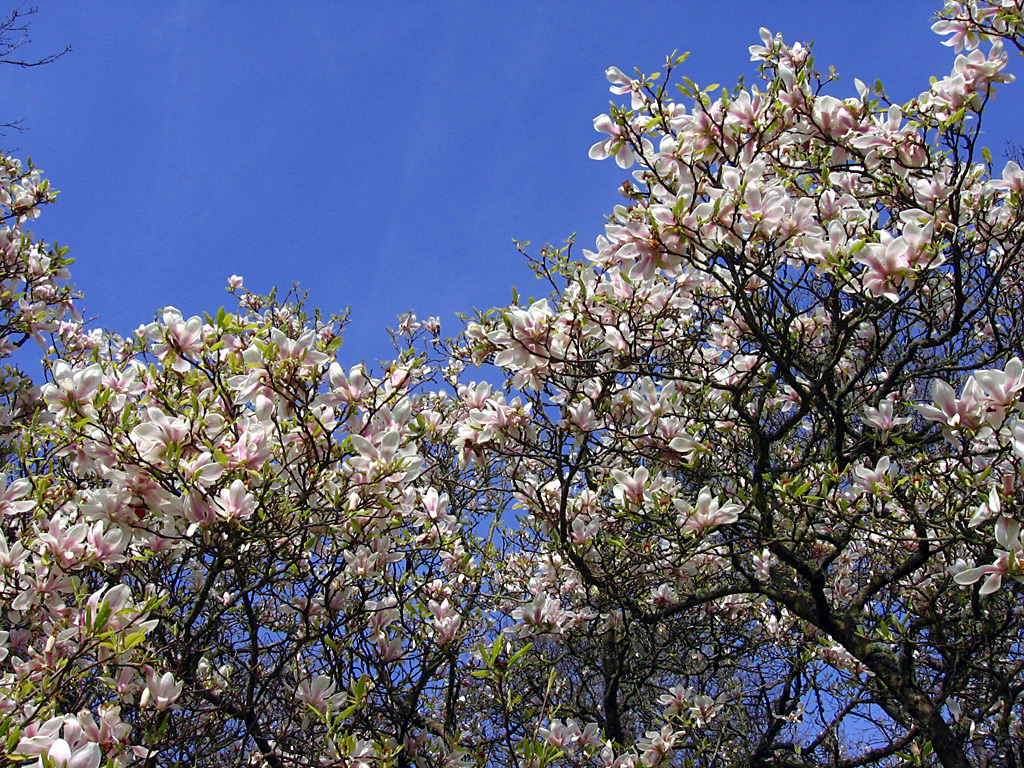
The 96 acres of the former Wadham estate contain a lot of nice plant life.

Black sheep

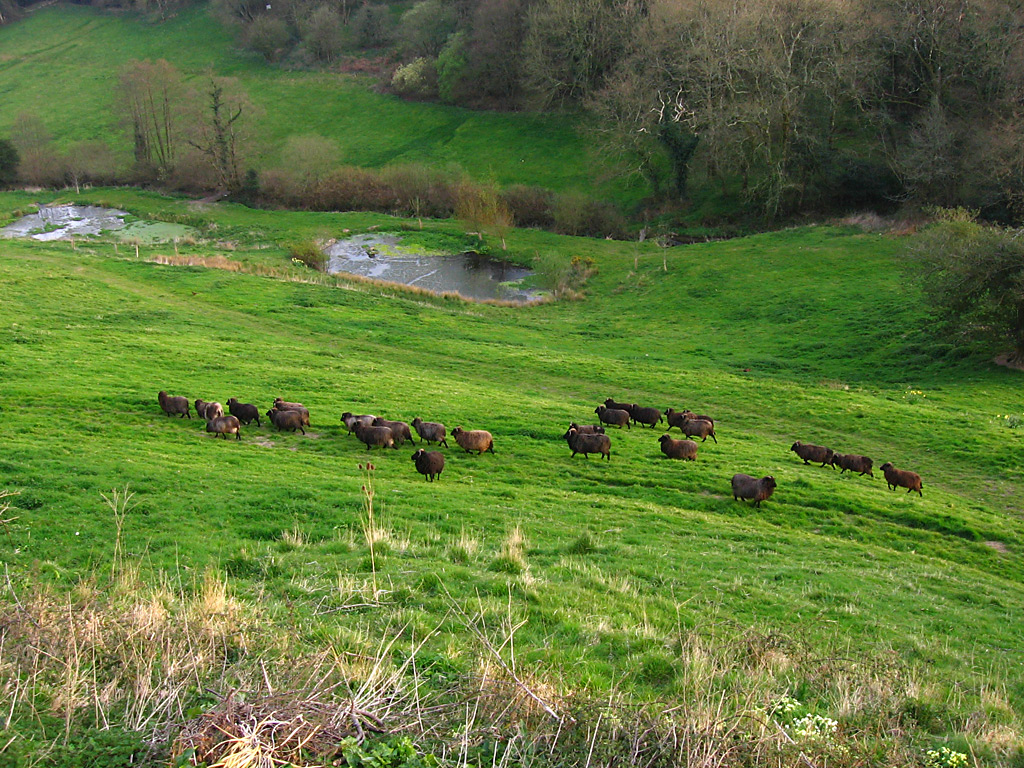
They also have a flock of decorative black sheep that wander in the valley that runs down to Branscombe and the sea.

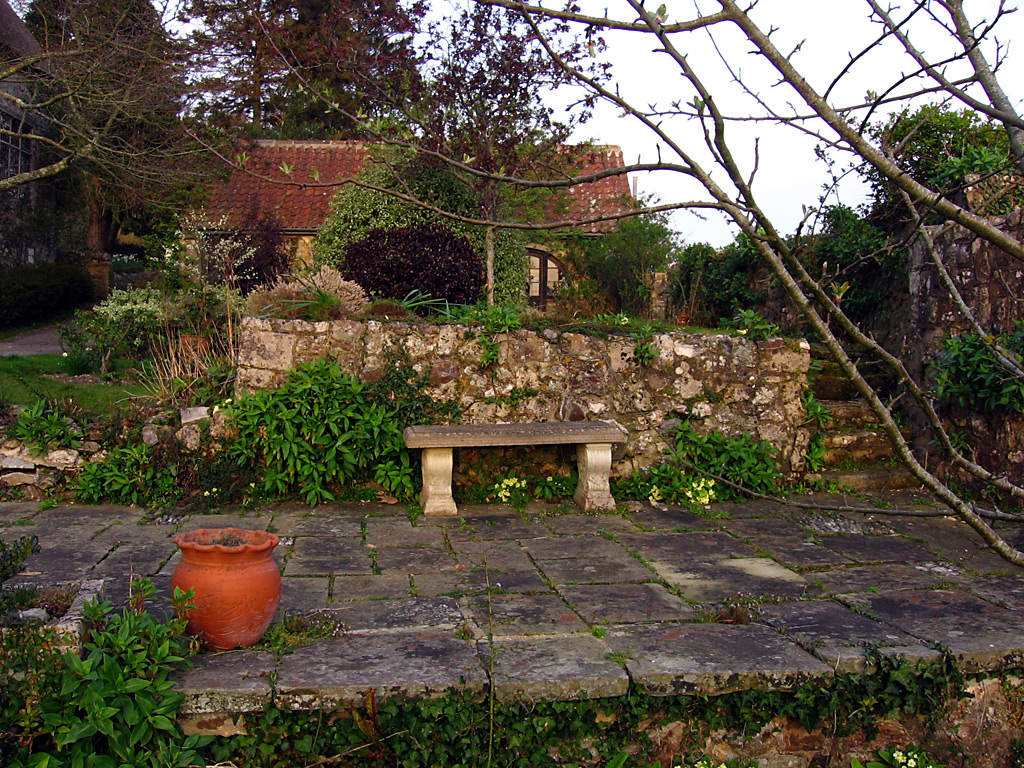
Bench and plants

The light on our last evening was especially lovely: warm sunset light, filtered through a translucent cloud that reduced the contrast.

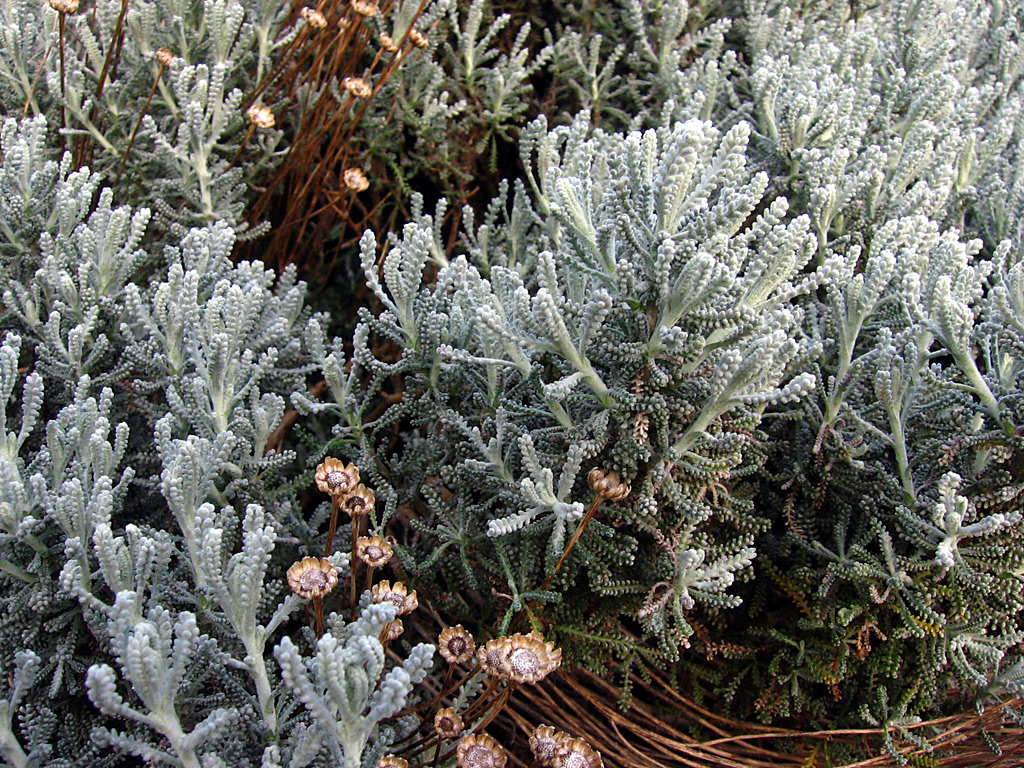
Plants in Devon

More interesting looking plants.

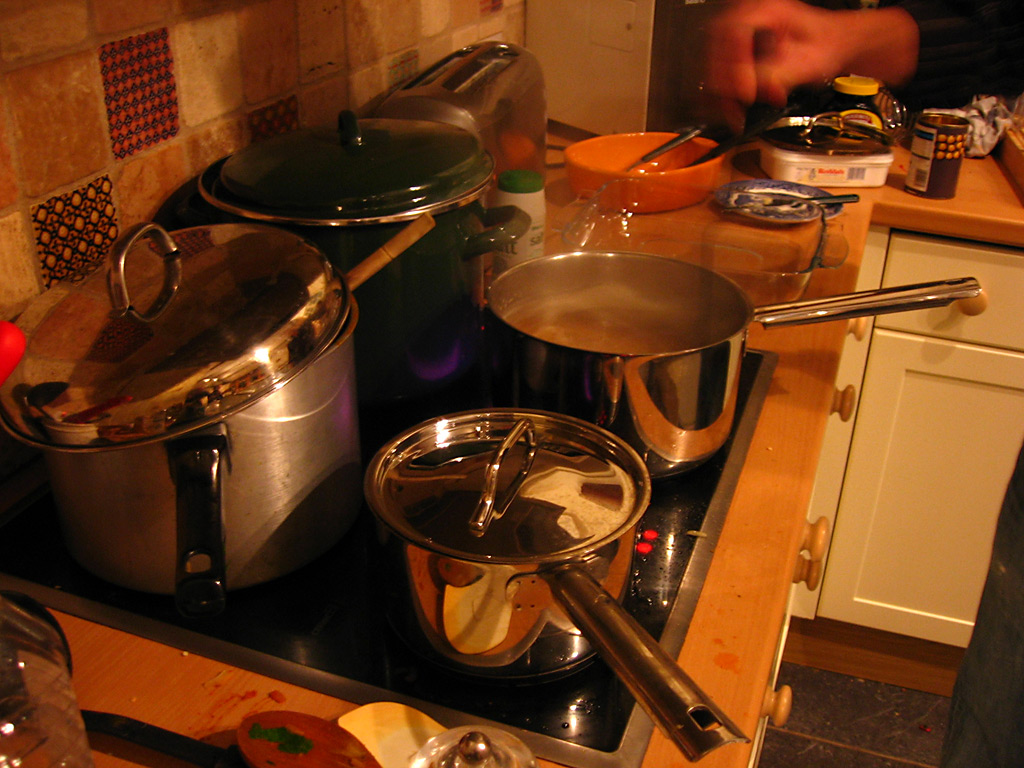
Cooking pots

With the support of the Wadham Foundation, we had tasty food throughout our week.